Cairn
A little practice in balance.
An empty riverbank. A little possibility.
Finding your riverbank…
The riverbed
Choose a stone. There’s no hurry.
A LITTLE PRACTICE IN BALANCE
Cairn is a free rock balancing game. Pick a smooth river stone, turn it in your hand, and find a place where it can rest. Gravity and friction shape the stack; broad stones give you room, while a small pebble or the long, thin Skimmer invites a more delicate balance.
Build a tall tower, try an uneven sculpture, or stop after a few stones. There is no timer or target. Turn on the river sounds if you like, and save a picture when your cairn feels finished.
Back to the stonesCairn is free to play in a browser. No account, download, or installation is required.
Start with an empty riverbank. Choose your first stone from the riverbed, place it on the bank, then balance more stones on top. Use the turn buttons, Q and E, or the mouse wheel to rotate a held stone. With a keyboard, use the arrow keys to move and Space or Enter to let go. Hold Shift for smaller adjustments.
There are no lives, scores, or countdowns. Undo restores the arrangement before your last placement, even after a collapse. Begin again clears the riverbank and can also be undone.
Your latest arrangement is kept in this browser when local storage is available. Reloading restores it on the same browser and device. Clearing browser data removes it, and arrangements do not sync between devices. Undo history lasts for the current visit.
Choose Save picture to download a PNG of the riverbank and your placed stones, without the controls. Place or put back any held stone first. The PNG is a picture, not an editable arrangement.
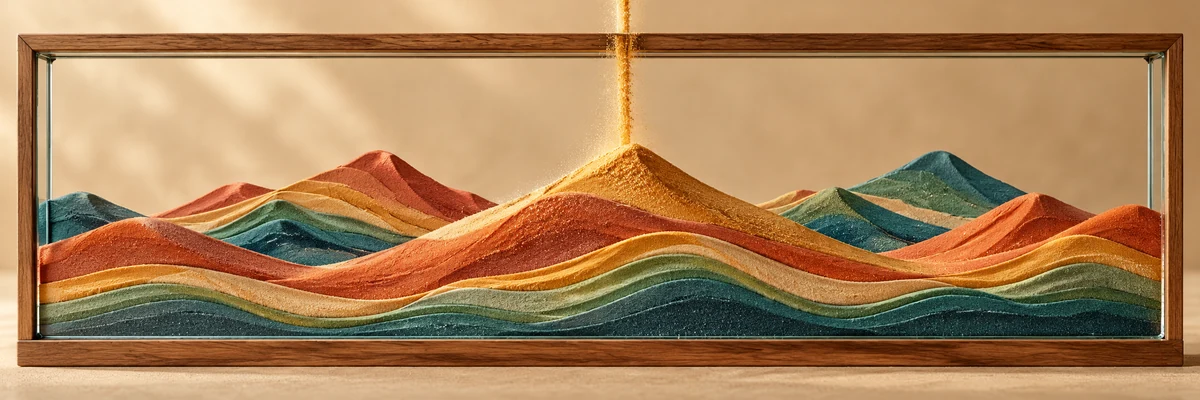 Sand ArtPour colored sand and build a picture, one layer at a time.
 Happy Little TreesPaint a mountain lake and a little world of your own.
 ShapescapeExplore colors and shapes, then save your own abstract art.