LAST LIGHT / FIELD GUIDE
Bring the signal home.
Controls, battery and the Relay 07 mission.
Last Light is a free single-player sci-fi survival shooter. Humanity preserved fragments of the sun inside a chain of relays. Relay 07 found an ignition sequence that could bring dawn back, then fell silent. As the nearest field engineer, restore the station and send the sequence home.
Play Last Light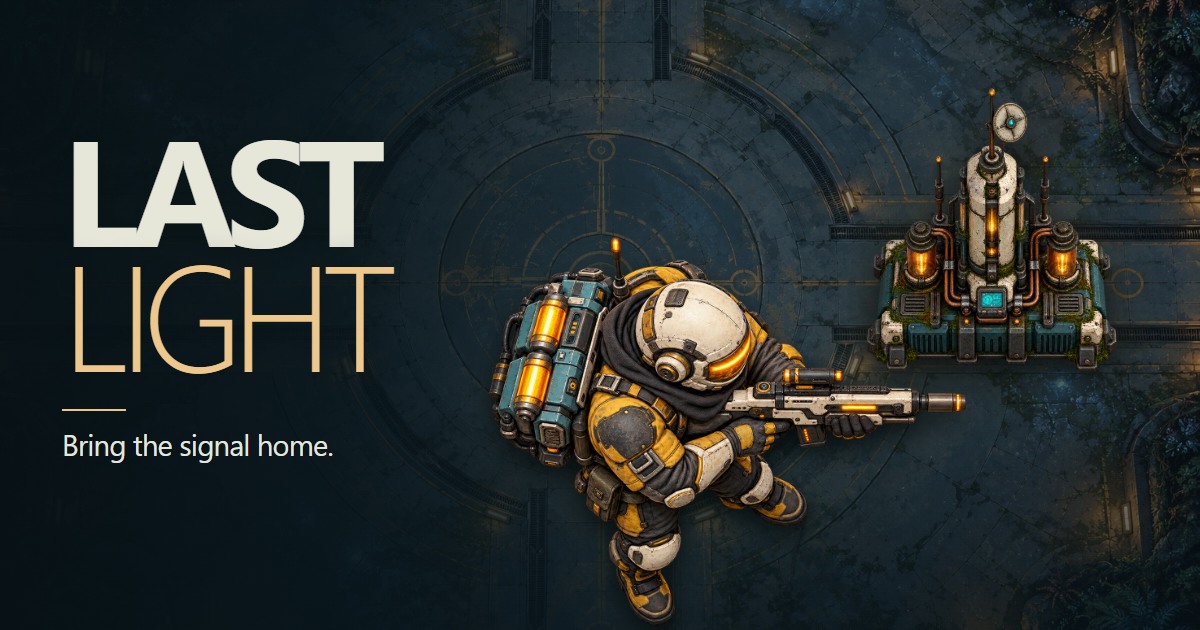
Move, aim and keep moving
Keyboard and mouse
WASD moves. Aim with the mouse and hold left click to fire. Shift dashes. Escape or P pauses. Keyboard-only players can use arrow keys to aim and fire, or Space to fire in the last direction.
Touch
The left stick moves; the right stick aims and fires. Release the right stick to recharge. Use the Dash button to dash. An optional shortcut is to tap Move, then quickly press it again and hold toward your escape.
Standard controller
Left stick moves; right stick aims. By default, the right trigger fires, right bumper or the bottom face button (A / ×) dashes, and Menu pauses. Use the current on-screen bindings if you remap them.
Use the D-pad or left stick to navigate menus, the bottom face button (A / ×) to select and the right face button (B / ○) to go back. Menu resumes from the plain pause menu.
Connect a controller and press a button so the browser can detect it, then release the controls. That detection press does not start the game. Disconnection during controller play pauses the mission; reconnecting does not resume automatically.
One battery. Two uses.
Your gun and slowing field share a battery. Firing spends energy and shrinks the field. The light slows enemies, but does not block attacks. Release fire to recharge and collect salvage to refill the battery. Below five energy, darkness drains your suit.
A dash costs 12 energy and has a 2.5-second cooldown. Use short bursts, keep moving and let machinery block incoming shots while you recover.
The Relay 07 mission
- Restore power. Stand inside each cyan power circle for three active seconds. No interaction button is needed. Leaving pauses charging and keeps your progress.
- Purge the infestation. Breach the archive, coolant and signal districts. Each has three finite assault waves and repair breaks. Shoot its seal once exposed, then stand beside the recovered memory core for three seconds. Destroyed districts stay lit.
- Transmit the signal. Clear three finite interference waves. After each, use the central uplink to send an eighteen-second memory packet. Leaving retains transmission progress; uploads have no endless incoming swarm. Each of these first three objectives earns one upgrade.
- Break the Devourer. Avoid the charge lane and marked mortar circles. Fire at the exposed core after a charge; its armor blocks other shots. Cover ends a charge early. At half health, restore both power conductors by standing in their zones for three seconds each. Then evade its faster final phase.
- Extract. Reach the south pad and stay inside its marked zone for three seconds to bring the sequence home.
Checkpoints and mission length
This authored first mission targets roughly ten to fifteen minutes for a first clear. Safe recovery checkpoints retain recovered cores and upgrades in this browser. Continue mission restores a saved checkpoint; Retry checkpoint on defeat restores suit and battery. Browser storage must be available to continue after closing the page.
Settings and taking a break
Settings has Audio, Input settings, and Display & accessibility. Music and sound effects are optional. Input settings remembers controller bindings, stick dead zones, vibration, button labels and touch aim assistance. Adjust UI size from 100% to 200% and fullscreen preference before playing or from Pause.
The game fills the browser window without requiring fullscreen. Fullscreen is an explicit choice. Exiting fullscreen during combat leaves the mission paused; choose Resume when ready. Changing UI size does not change the world zoom.
The title screen shows a quiet view of Relay 07. Choose Start mission to enter the arena. Start in fullscreen is optional; if station artwork is still loading, the game shows its actual progress before revealing the engineer and the first objective.
How to play has separate keyboard, controller and touch references, plus the Mission briefing and full story. It also lets you choose whether the introduction appears on your next mission. Preferences are remembered when browser storage is available. The current run is not saved across refreshing or leaving the game.
Common questions
Is Last Light free to play?
Yes. Last Light is a free single-player browser game from Zero Star Games. No account, download or installation is required.
Can I play on a phone or with a controller?
Yes. Touch uses a movement stick and an aim-and-fire stick. A standard controller uses the left stick to move and right stick to aim, with remappable buttons, dead zones and vibration settings. Controller detection and vibration depend on the browser and device.
Why does the light shrink when I shoot?
Your gun and slowing light field share one battery. Firing spends energy and shrinks the field. Release fire to recharge, and collect salvage to refill it. The field slows enemies; it does not block their attacks.
How do I charge a power node?
Stand inside its marked cyan circle for three active seconds. No interaction button is needed. Leaving pauses charging and keeps your progress.
Does the current mission save?
The current mission restarts if you refresh or leave the game. Display preferences, controller settings and introduction completion are remembered in this browser when local storage is available.